Arcane PUBG Radar
Status: Undetected
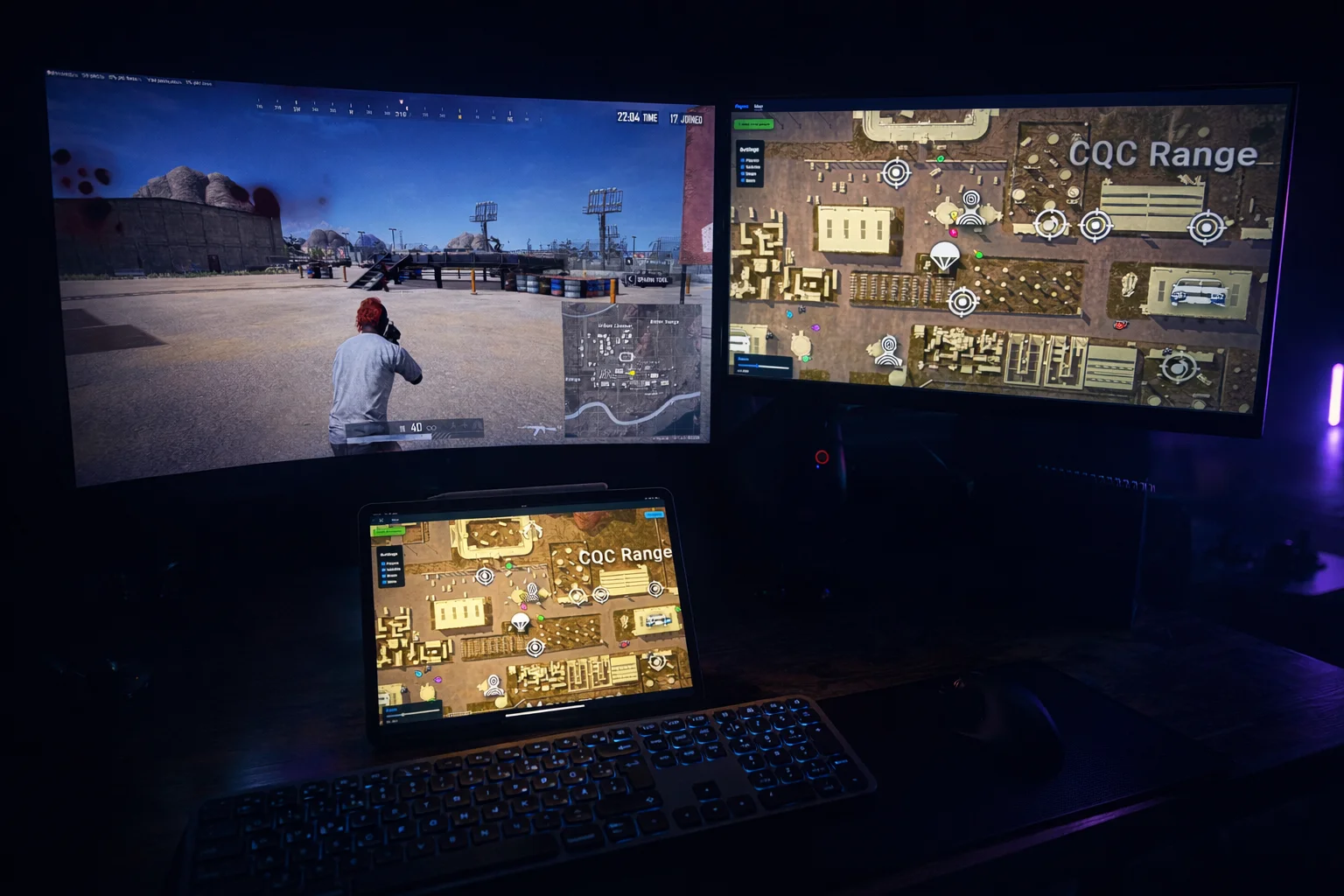
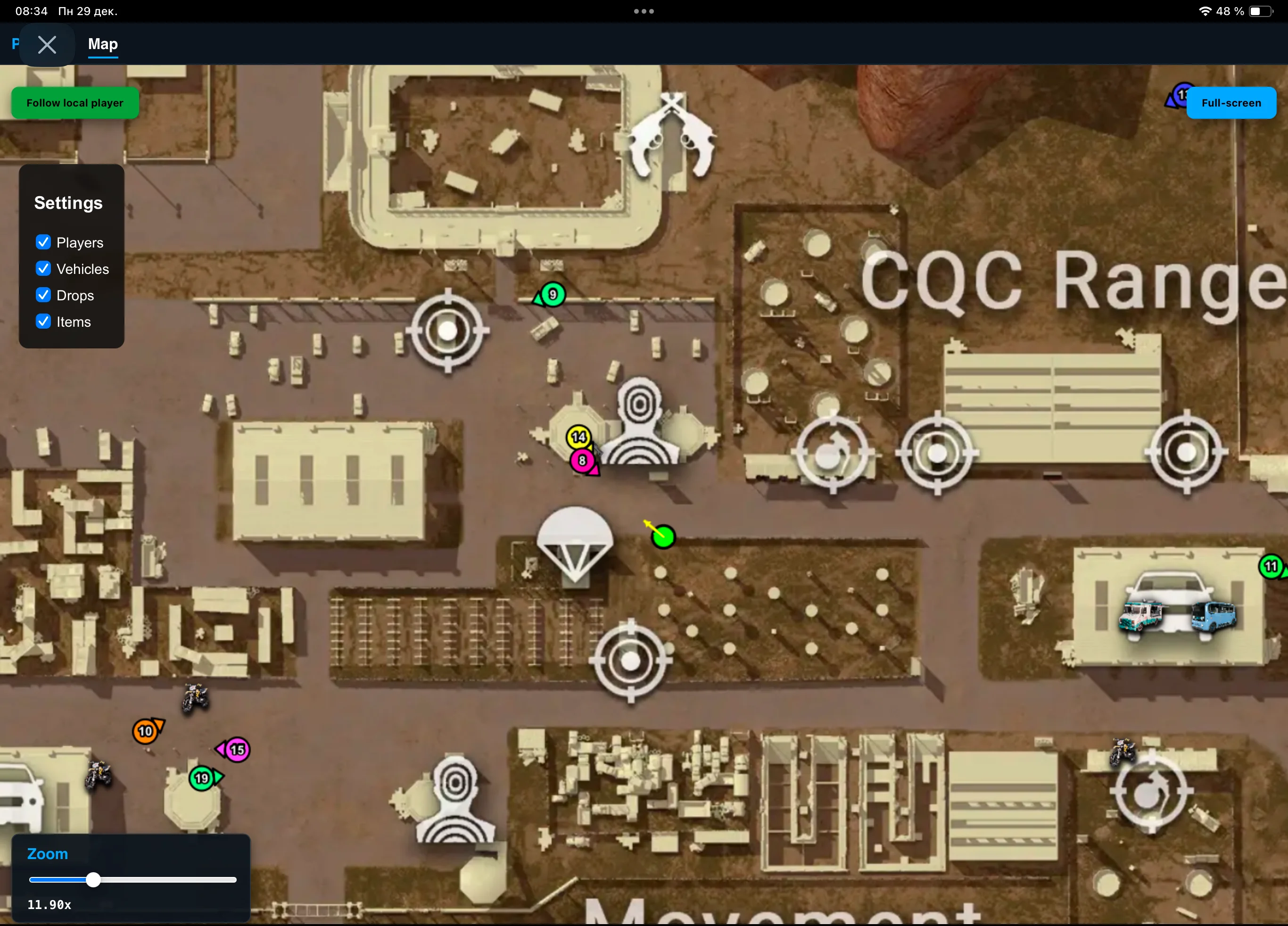
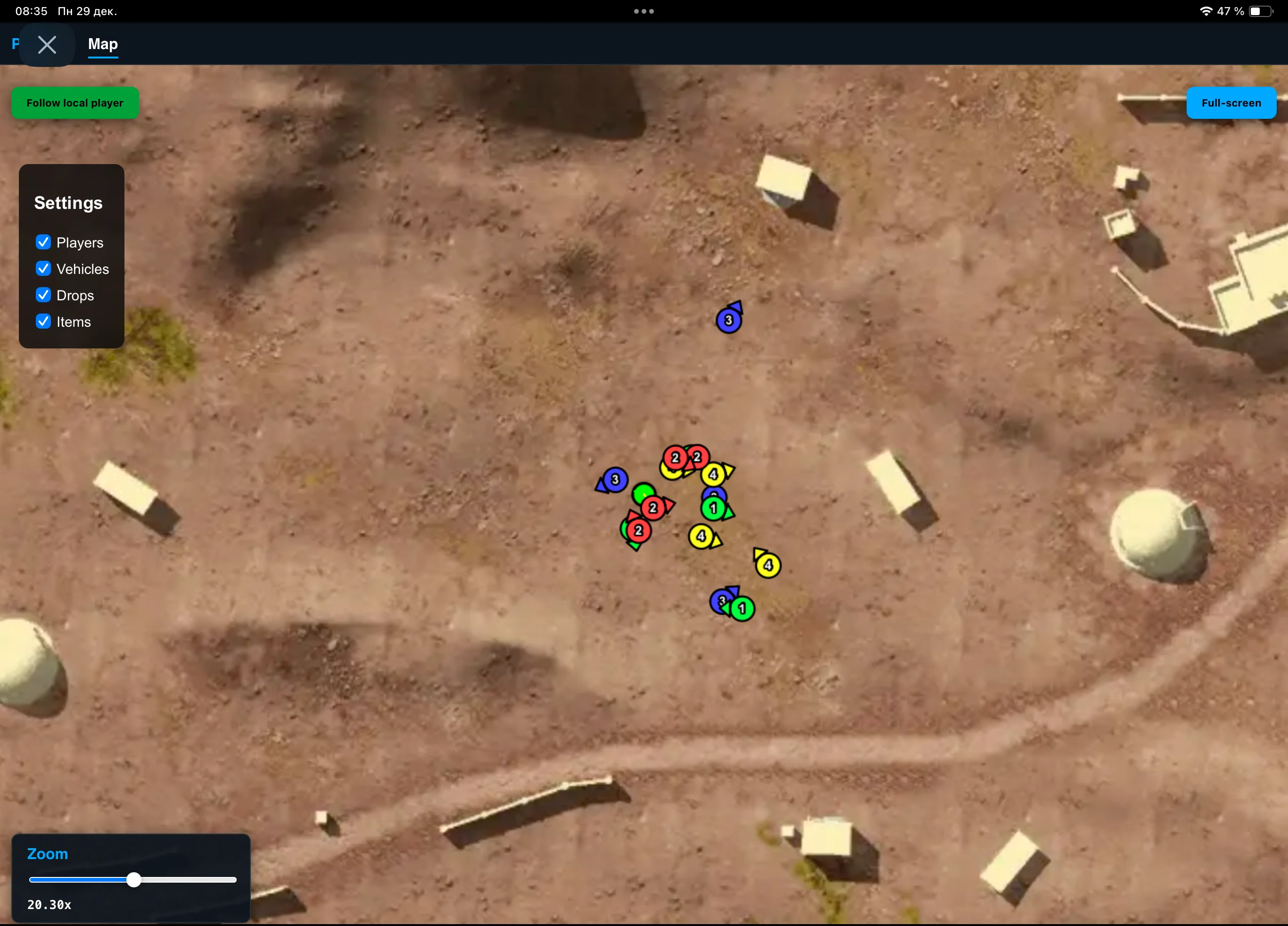
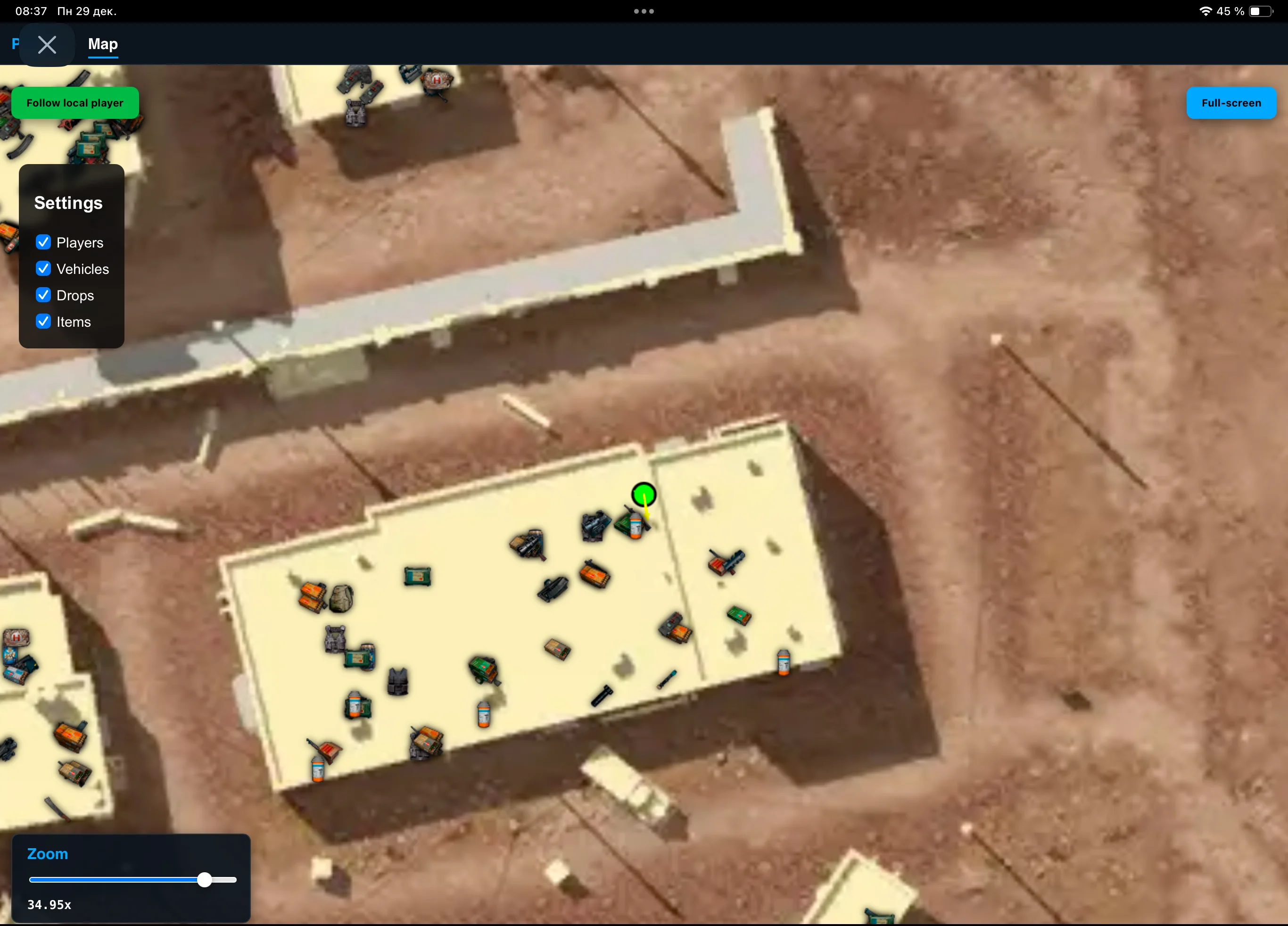
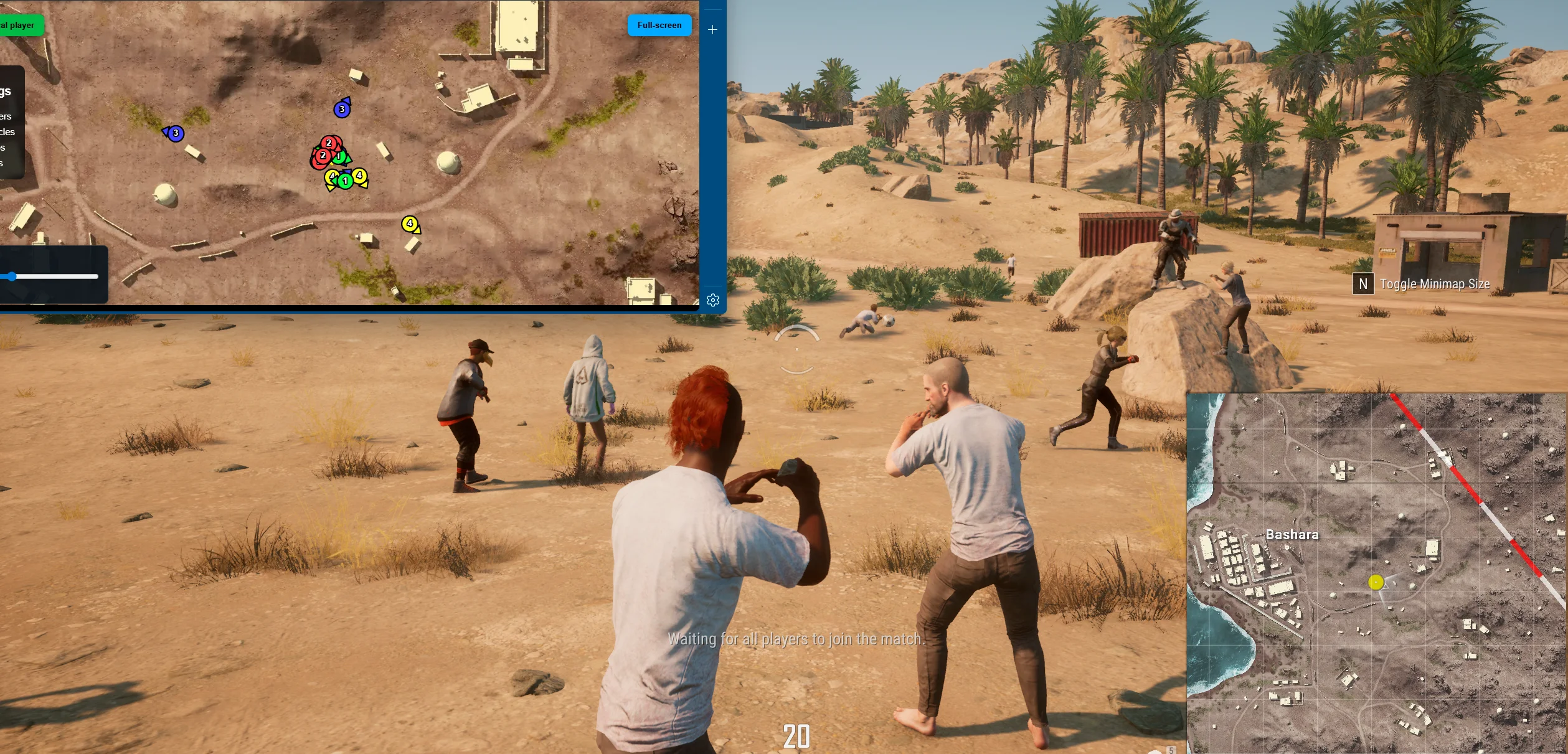
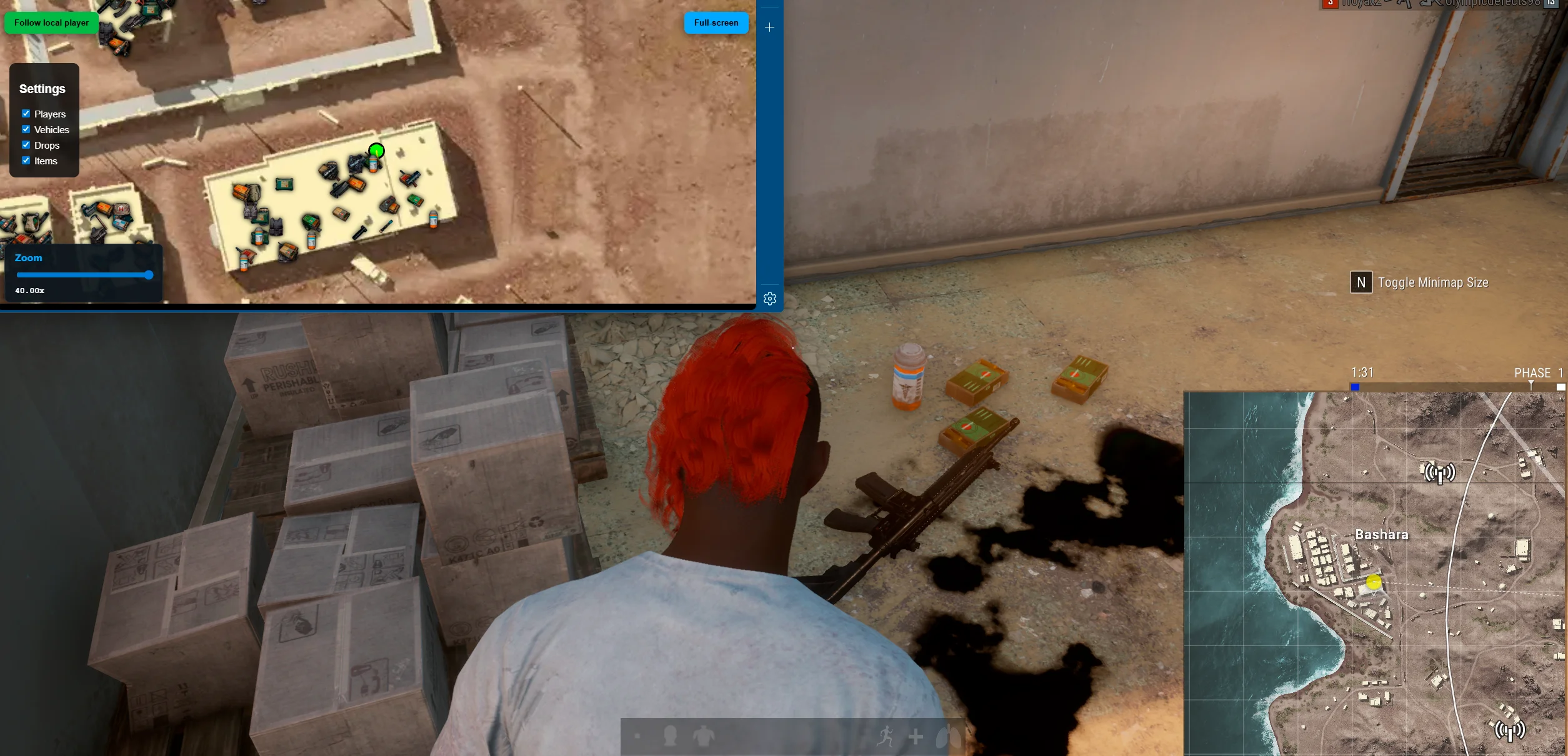
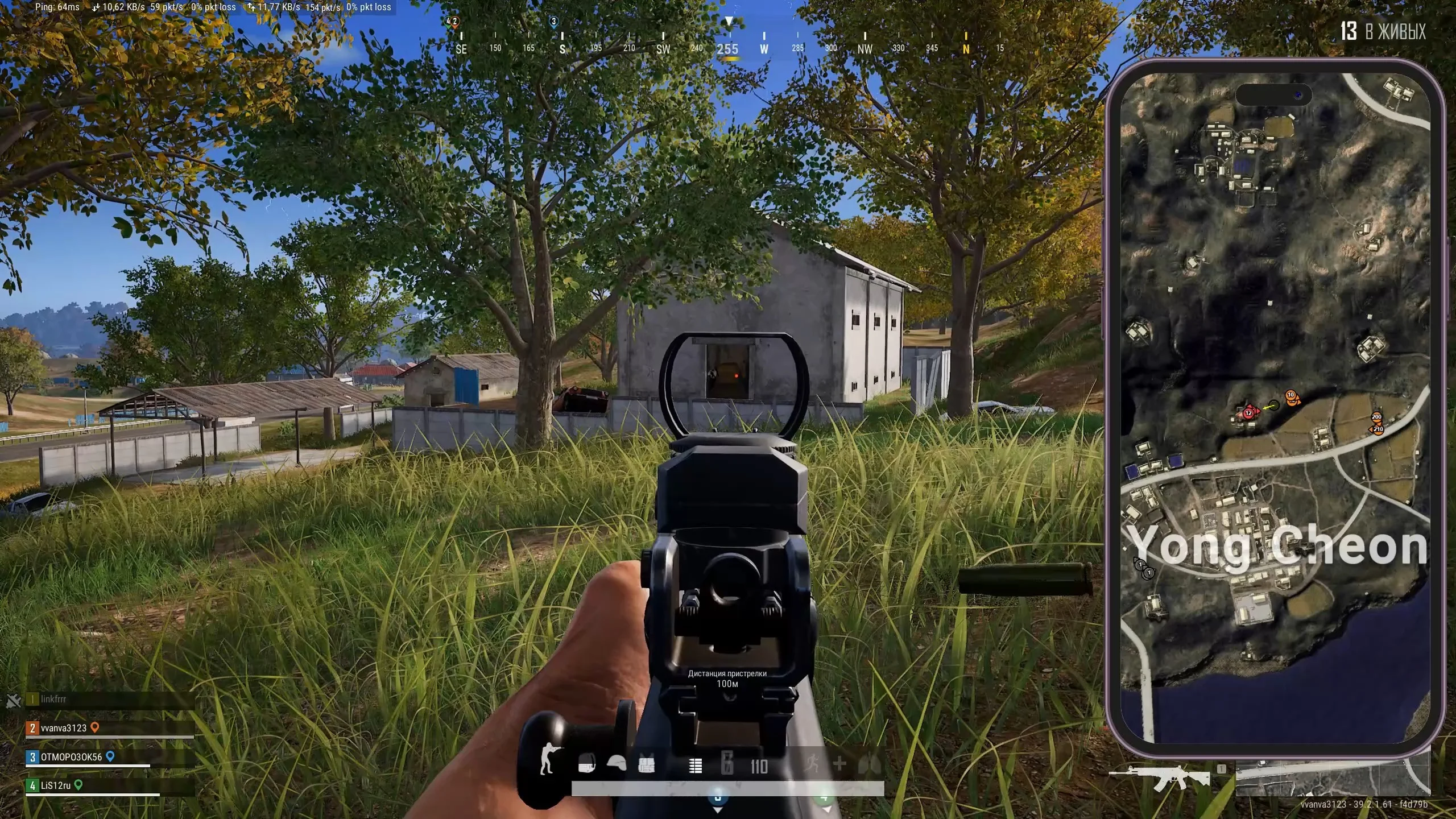
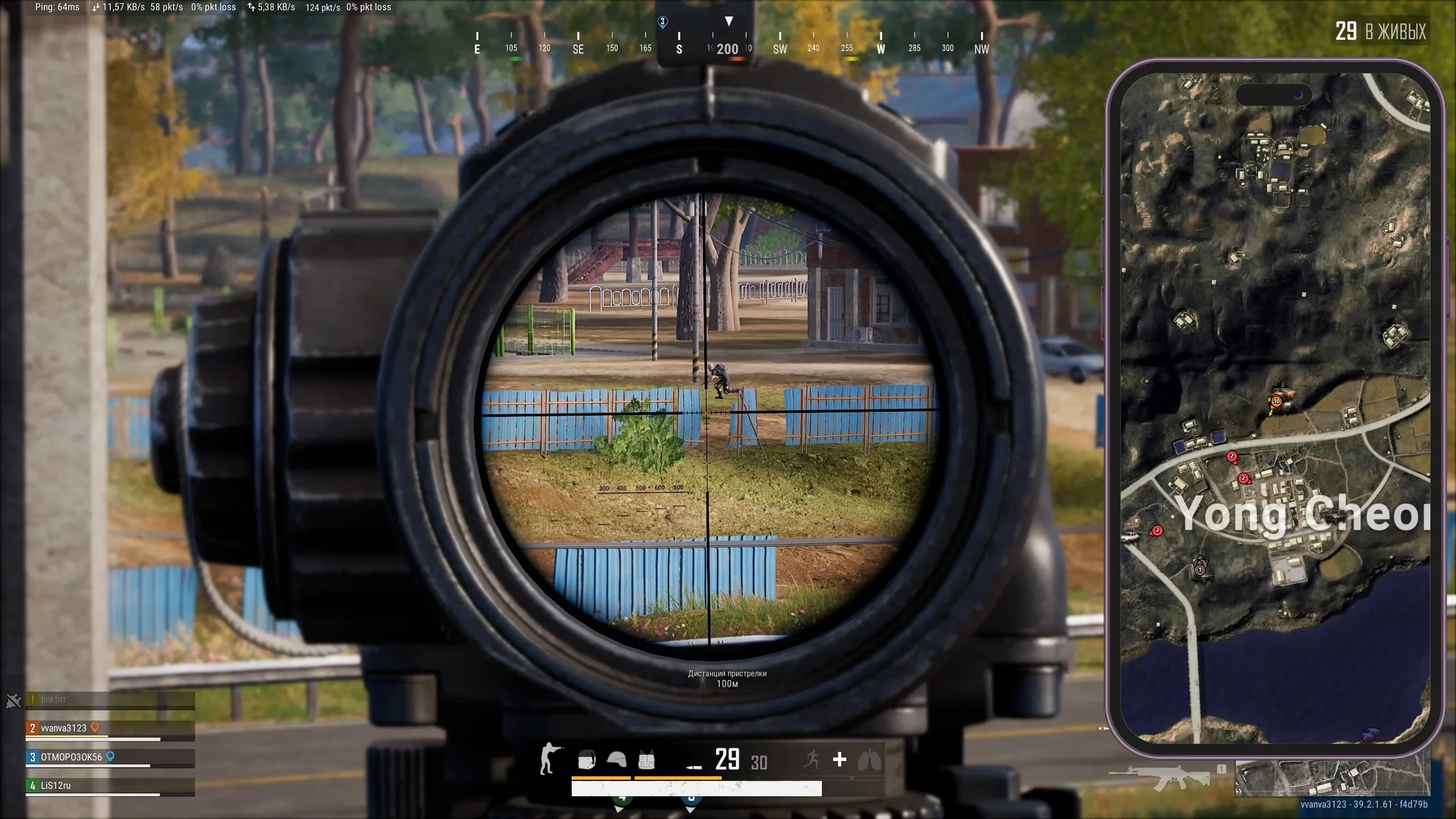
To zoom the image, double-click on it.
System Requirements:
Operating system: Windows 10, Windows 11 (21H2, 22H2, 23H2, 24H2, 25H2) Processor: AMD & INTEL Video card: AMD & NVIDIA Client: Steam, Kakao
Section under development
Select Tariff
Payment methods coming soon
Secure payment. Instant access.
Main Features of Arcane PUBG Radar
PUBG MapHack Features
-
Any Device
Ability to open the map on any device (second monitor, laptop, tablet, or smartphone) -
Browser Access
Opens the radar directly in the browser -
Share Radar Link
Allows sharing the radar link with friends -
Steam Overlay Support
Supports opening the radar through steam overlay during the game -
Cross-Device Access
Allows opening the radar from any other internet‑connected device
Players
-
Players
Display players on the radar -
Show Team
Display all teammates or only selected squad members -
Team Number
Display the player's team number -
Team Color
Set the team color on the radar -
Nickname
Display the player's nickname -
Distance
Display the distance to the player -
Weapon Name
Display the player’s weapon name -
Ammo Count + Is Reloading
Display ammo count and reloading status -
Show Shooting Line
Display player shooting direction
Vehicles
-
Vehicles
Display vehicles on the radar -
Show Vehicles
Enable vehicle rendering -
Show Health
Display vehicle durability -
Show Fuel
Display vehicle fuel level -
Style
Choose the vehicle display style: icon, icon with name, or name only -
Icon Size
Adjust vehicle icon size
Items and Loot
-
Items
Display items on the radar -
Show Drops
Display airdrops on the map -
Show Drop Contents On Map
Display airdrop contents directly on the radar -
Style
Choose the item display style: icon, icon with name, or name only -
Icon Size
Adjust item icon size -
Advanced Items Filter
Advanced item filter to show only desired loot -
Items Distance
Display distance to the item -
Search For Nearby Items
Search for items near you -
Items Nearby Table
Table showing the list of items closest to you
Other Arcane PUBG Radar Features
-
No Recoil
Disable weapon recoil with a hotkey -
Show Local Aiming Line
Display the line of your aiming direction -
Show Mortar Trajectory
Display mortar shell trajectory -
Auto-Scaling
Intelligent automatic map scaling based on the situation (movement speed, number of enemies, amount of nearby loot) -
Follow Local Player
Center the radar on your character -
Ability To Follow Specific Team Member
Ability to switch tracking to a selected teammate -
Global Player Table
Global table of all players in the match with detailed information -
Stats (Level, Kills, Spectators)
Display level, kills, and number of spectators -
Gear
Display player gear, weapons, and armor
Safety and Reliability of Arcane PUBG Radar
Private cheat Arcane PUBG Radar is developed with modern anti-cheat systems in mind and is regularly updated to maintain "Undetected" status. All purchase data is stored encrypted and is available only to you and our support service.
2-Minute Purchase Process:
- Choose payment method (FunPay or direct)
- Pay for selected tariff
- Receive access email within 2 minutes
- Follow instructions for activation
Reviews from our FunPay customers for 2026
There are no reviews for this product yet.
Other Playerunknown`s (PUBG) Products
Arcane PUBG
- Aimbot (AIM)
- Player ESP (Wallhack)
- World & Loot ESP
- Full StreamProof
- Radar
- Spoofer
Ancient PUBG Hack
- Aimbot (Vector)
- Player ESP (Wallhack)
- World & Loot ESP
- Radar
- StreamProof
- Spoofer (Risky)
Wh-Satano PUBG WallHack
- Players ESP (WH for PUBG)
- World & Loot ESP
- Radar
- Spoofer
Wh-Satano PUBG Aimbot
- Vector Aimbot
- Players ESP (WH for PUBG)
- World & Loot ESP
- Radar
- Spoofer
PUBG Covcheg Hack
- Player ESP (WallHack)
- Loot ESP