Blaze EFT Software
Status: Updating
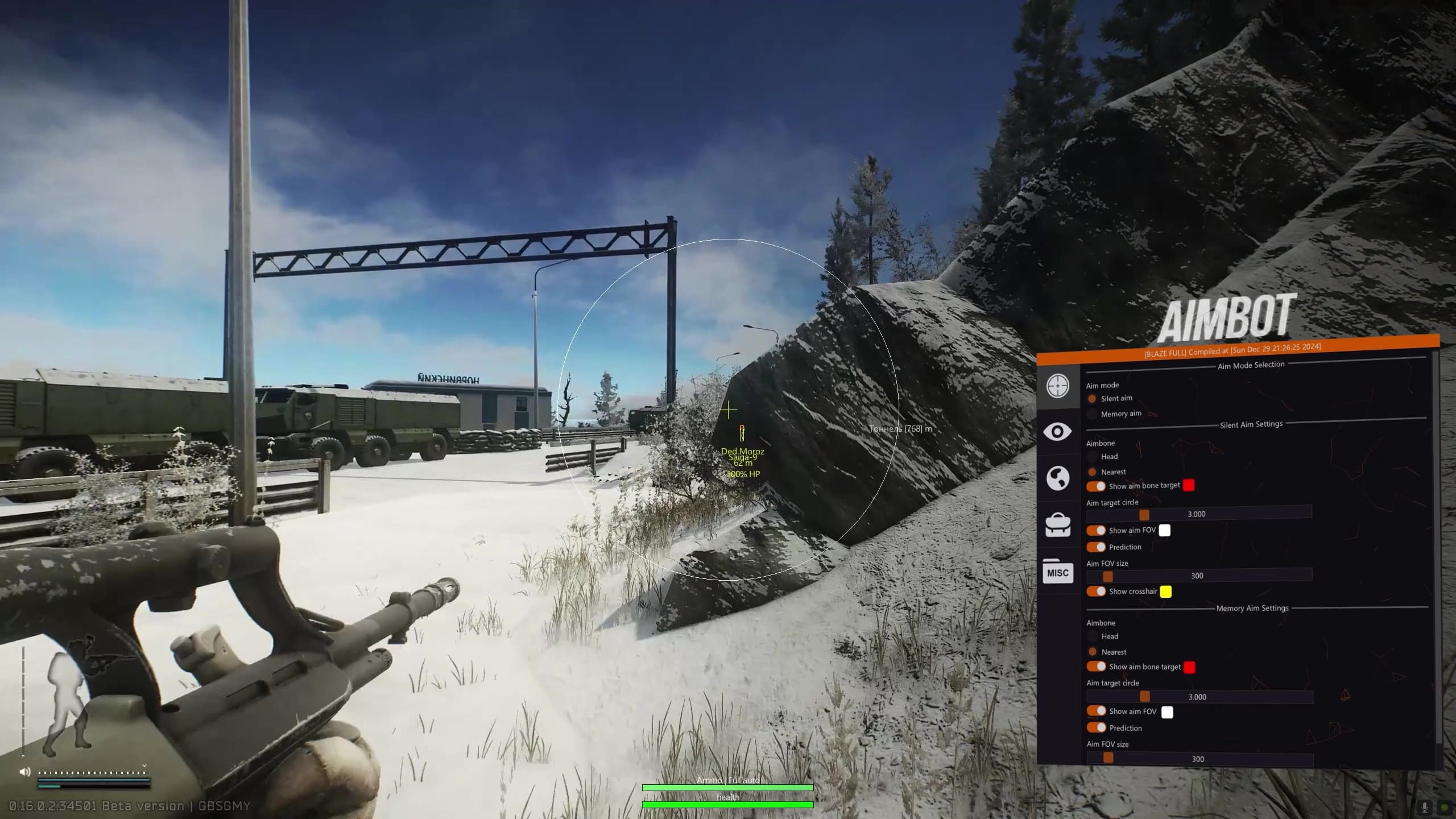
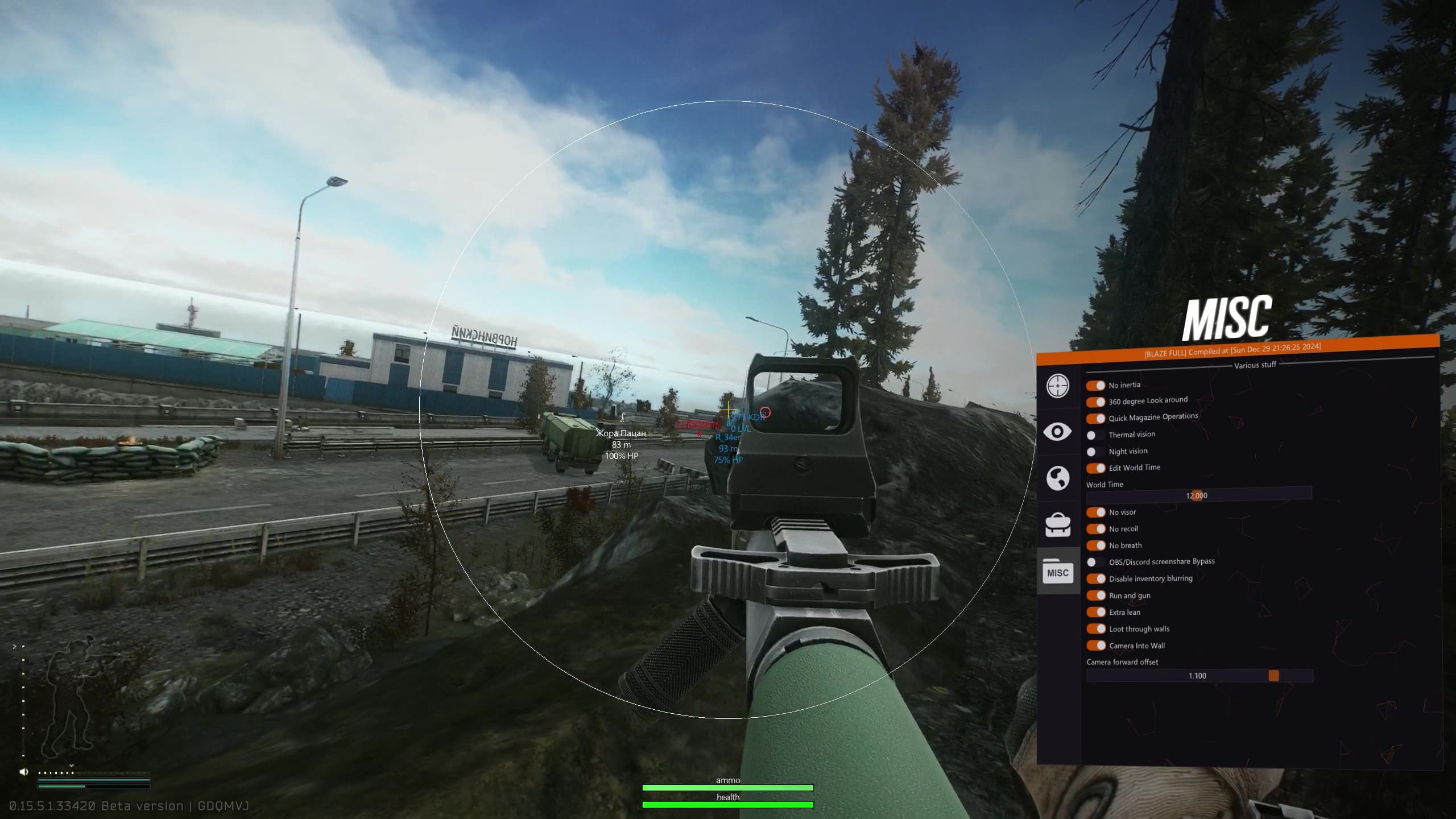
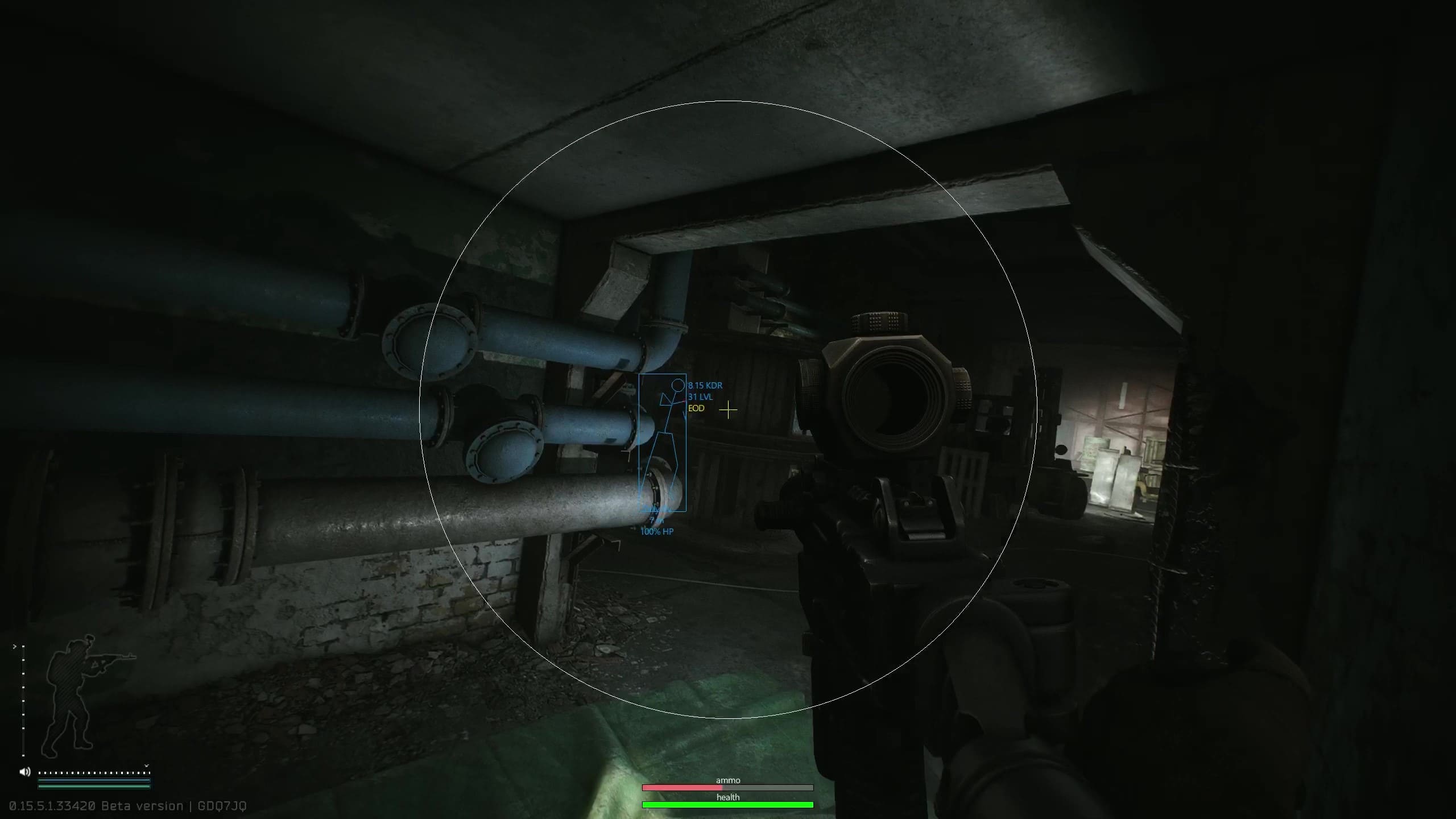
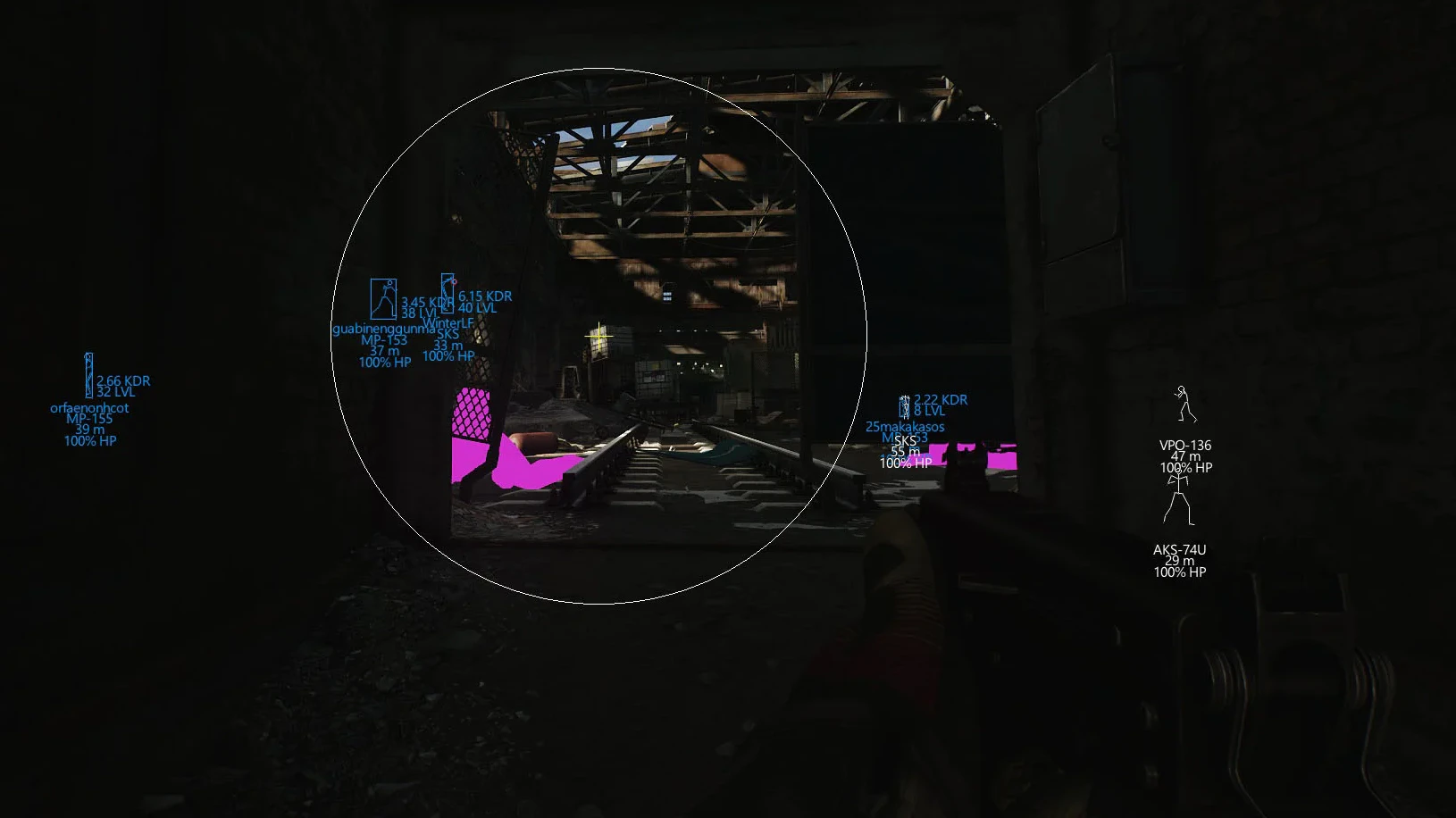
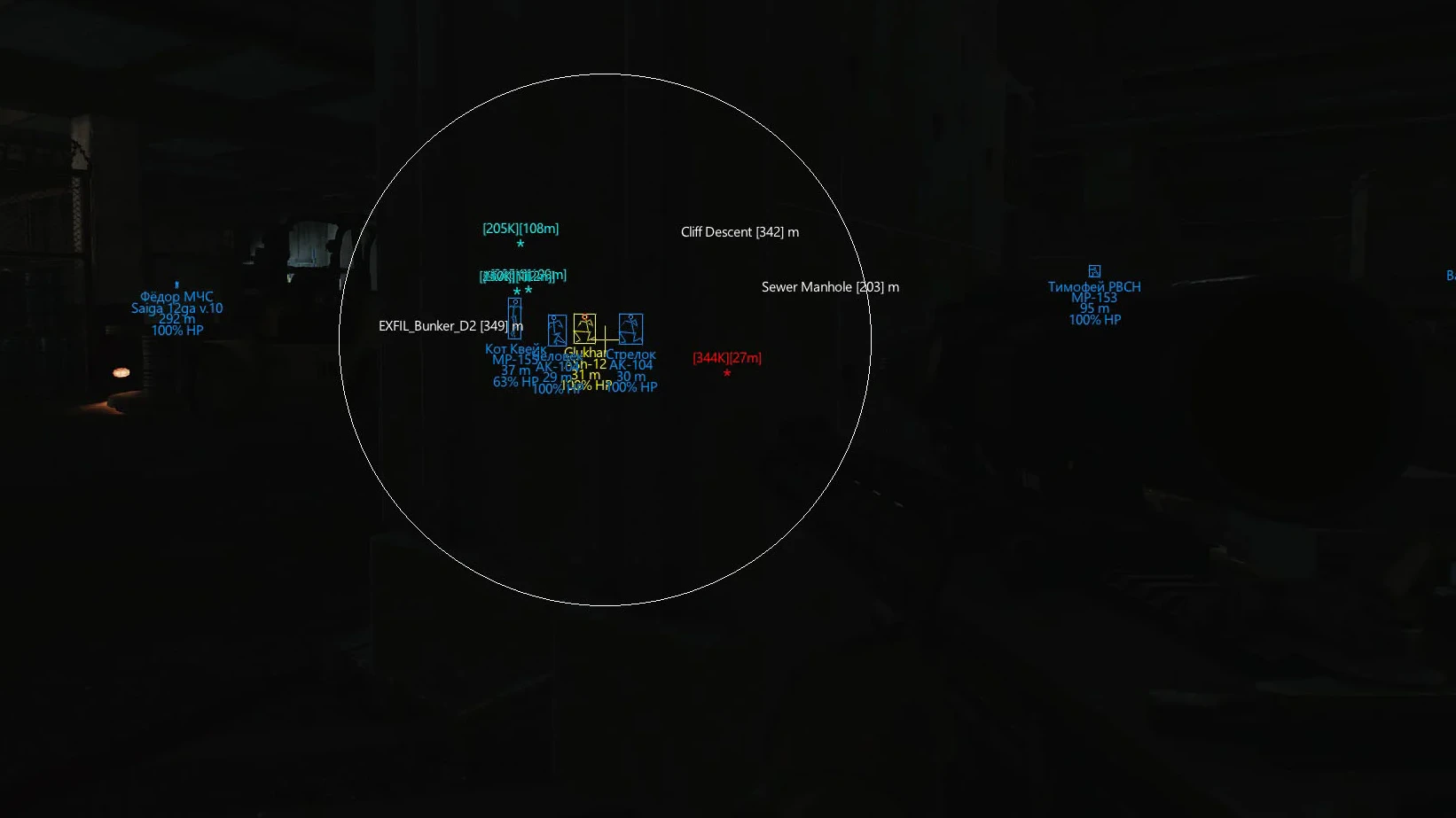
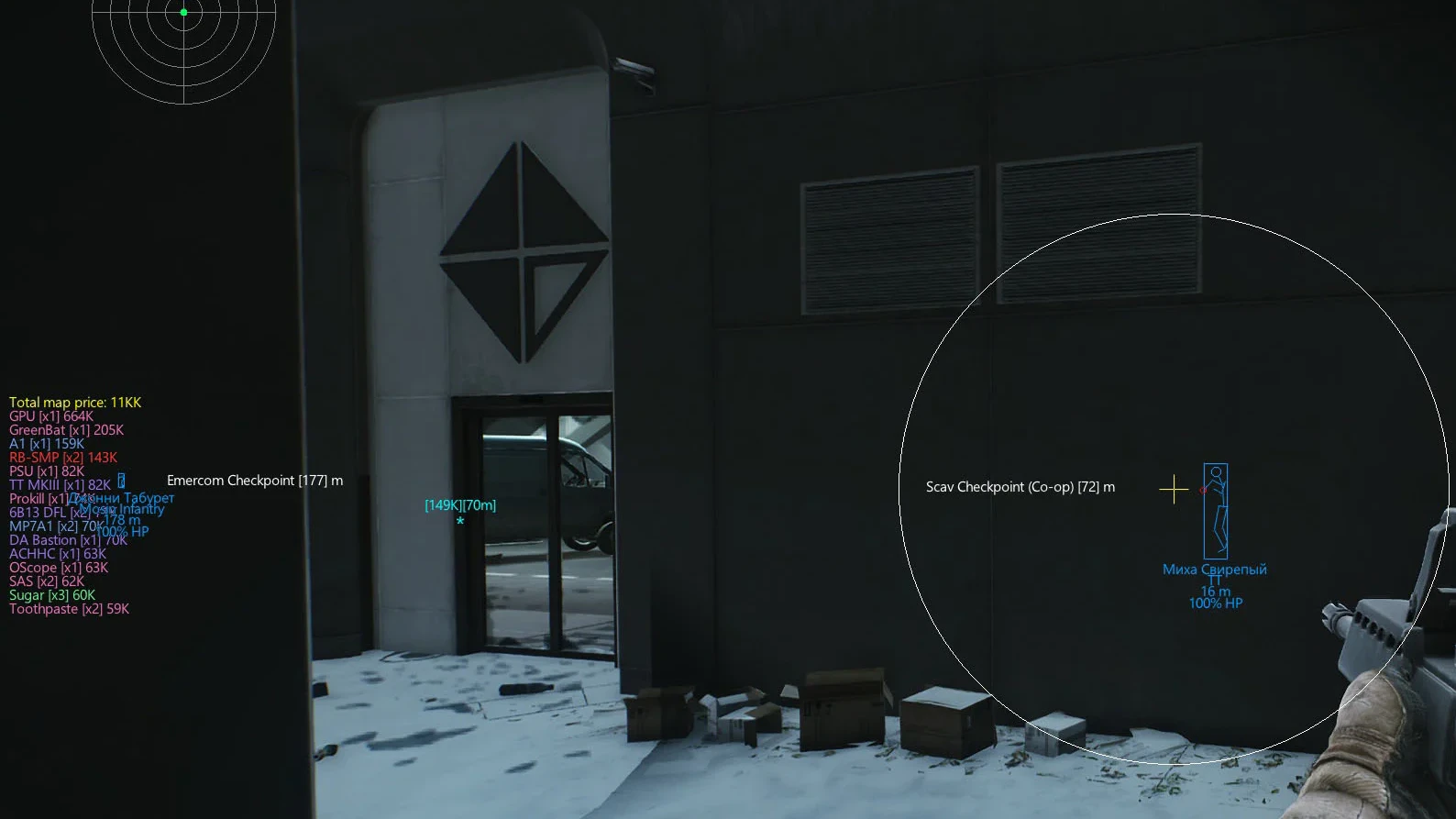
To zoom the image, double-click on it.
System Requirements:
Operating system: Windows 10, Windows 11 (21H2, 22H2, 23H2, 24H2) Processor: Intel & AMD Video card: Nvidia & AMD Client: Battlestate Games Launcher (BSG)
Section under development
Select Tariff
Secure payment. Instant access.
Main Features of Blaze EFT Software
Aimbot (Silent & Memory)
-
Silent Aim
Bullets hit targets, but the aim and camera do not move -
Silent Aim
Bullets hit targets, but the aim and camera do not move -
Bone (Head)
Aims at the enemy's hitbox -
Nearest Bone
Aims at the hitbox closest to the crosshair -
Show Aim Bone Target
Mark the priority hitbox for aim -
Target Size
The size of the point marking the priority hitbox -
Target Color
The color of the dot marking the priority hitbox -
Aim FOV Size
The area of the aimbot's work -
Show AIM Fov
Show the size of the aim work area on the screen -
FOV Color
The color of the line showing the size of the aim area -
Prediction
Predicting the trajectory of enemy movements -
Crosshair
Static crosshair in the middle of the screen
Wallhack (Players, Bots, Bosses)
-
Players ESP
Esp for displaying players -
Bots ESP
Show bots using wh -
Bosses ESP
Display bosses using wh -
Chams
Wh in the form of chams, brightly colored enemy models -
Distance
Distance to the esp targets -
Max Distance
Range of the esp -
Skeleton
Wh in the form of skeletons -
Box
Esp in the form of boxes -
Weapon
Weapons in the hands of enemies -
Nickname
Nicknames of players, names of bots and bosses -
K/D
Kills/deaths of players -
Level
The level of the players' characters -
Role
Players (pmc), human-bots (scavs), bots, bosses, etc. -
HP (%)
Target's hp in % -
Show Inventory
Target inventory (equipped armor, weapons)
World ESP (Visuals
-
Radar (Players, Bots, Bosses, Teammates)
Radar for displaying enemies -
Radar Scale
Scale/range of radar -
Radar Position
Location of the radar on the screen -
Quest Locations
Show quest areas using esp -
Exfils (Exits)
Show exits (evacuation points) -
Claymores
Mines -
Grenades
Thrown grenades -
Local Ammo & Firemode
The amount of ammo and fire mode of your weapon -
Local HP %
The amount of your hp -
Ammo / HP bar Scale
The size of the bars showing your hp and ammo -
Show Hits
Show hits on enemies using esp
Loot ESP (Items)
-
Loot ESP
Display loot using esp -
Dot Mode
Display items using dots, when you hover over them more information appears -
Show All Loot From Map
Show all loot on the map -
Show Only X most expensive items from map
Show only a certain number of the most valuable items on the map -
Corpses
Corpses of characters -
Dropped Loot
Loot lying on the ground -
Min Price Filter for Loot
Loot filter at minimum price -
Containers
Show containers -
Names
Names of displayed objects -
Distance
Distance to displayed items -
Max Distance
Limit the range to certain types of things -
Filter By Category (17+)
Loot filter by category -
Show Category Name
Also display the name of the item category -
Custom Loot Filter
Custom loot filter with flexible settings and search
Misc & Exploits (Other EFT Blaze Features)
-
No Inertia
Disables inertia when moving -
360 Degree Look Around
Allows you to rotate the camera 360 degrees -
Quick Magazine Operations
Quick loading/unloading of the magazine and other operations with it -
Thermal Vision
Thermal vision mode without equipment -
Night Vision
Night vision mode without a visor -
Edit World Time
Set any time of day -
No Visor
Disables the visual effect of the helmet visor -
No Recoil
Disable weapon recoil when shooting -
No Breath
Disables the breath holding limit -
StreamProof
Hide cheat on streams and video recordings (obs, discord, etc.) -
Disable Inventory Blur
Disables blur when opening inventory -
Run and Gun
Shooting while sprinting -
Extra Lean
Lengthens arms during e/q bends -
Loot Through Wall
Loot items behind walls -
Camera Into Wall
Allows you to look through walls
Safety and Reliability of Blaze EFT Software
Private cheat Blaze EFT Software is developed with modern anti-cheat systems in mind and is regularly updated to maintain "Undetected" status. All purchase data is stored encrypted and is available only to you and our support service.
2-Minute Purchase Process:
- Choose payment method (FunPay or direct)
- Pay for selected tariff
- Receive access email within 2 minutes
- Follow instructions for activation
Reviews from our FunPay customers for 2026
There are no reviews for this product yet.