Melonity Dota 2 Scripts
Status: Undetected
To zoom the image, double-click on it.
System Requirements:
Operating system: Windows 7, Windows 8, Windows 8.1, Windows 10, Windows 11 (21H2, 22H2, 23H2, 24H2, 25H2) Processor: Intel & AMD Video card: NVIDIA & AMD Client: Steam
Section under development
Installation Guide
Follow the detailed instructions to activate Melonity Dota 2 Scripts cheat
Open GuideSelect Tariff
Secure payment. Instant access.
Main Features of Melonity Dota 2 Scripts
General Features
-
Unlock All Emoticons
Unlocks all in‑game emotes and voice lines -
Dota Plus Unlock
Unlocks dota plus visual elements without a subscription -
Inventory Changer
Allows visually adding items to the inventory -
Clear Inventory Config
Clears the current inventory configuration -
Cursor Trail
Displays a visual trail behind the mouse cursor -
Trail Type
Selects the cursor trail shape -
Trail Color
Customizes the trail color -
Trail Length
Adjusts the trail length -
Trail Glow
Adds a glow effect to the trail -
Auto Accept Match
Automatically accepts a found match -
Accept Delay
Delay before auto‑accepting a match -
Random Accept Delay
Adds a random delay for disguise -
Environment Changer
Changes the visual environment of the map -
Day Lighting
Configures daytime lighting -
Night Lighting
Configures nighttime lighting -
Lighting Presets
Ready‑made lighting presets -
Saturation Control
Adjusts image saturation -
Rune Model Changer
Replaces visual rune models -
Rune Type Replace
Selects rune types for replacement -
Rune Color Change
Changes rune display color
Player Settings
-
Kill Stealer
Automatically finishes off enemy heroes when you have enough damage -
Kill Stealer Panel
Displays damage sources and heroes involved in the kill -
Kill Stealer Fast Disable
Instantly disables kill stealer with a hotkey -
Additional Enemy HP
Adds virtual hp for more accurate kill calculations -
Damage Indicator
Shows potential damage to the selected target -
Kill Opportunity Indicator
Visually indicates the possibility of killing a target -
Camera Hack
Removes default camera distance limits (configurable) -
Auto Glyph
Automatically uses glyph fortification when a tower is threatened (configurable) -
Auto Messages
Automatically sends preset messages at match start and end -
Auto Pick
Automatically picks a hero during the pick phase -
Auto Captain Pick
Automatically selects the captain in appropriate modes -
Pick Random Hero
Picks a random hero -
Preferred Lane
Sets a preferred lane -
Auto Ban
Automatically bans the selected hero -
Highlight Hero
Highlights the selected hero in the list -
Rune Script
Automates rune control and pickup (configurable) -
Auto Pause
Automatically pauses the game under set conditions -
Chat Roll Spam
Automatically sends the /roll command
Information
-
Buildings on heroes
Displays optimal items and skill builds depending on the hero’s role -
Show facets
Shows the selected hero facets -
Show recommended abilities
Displays the recommended ability build order -
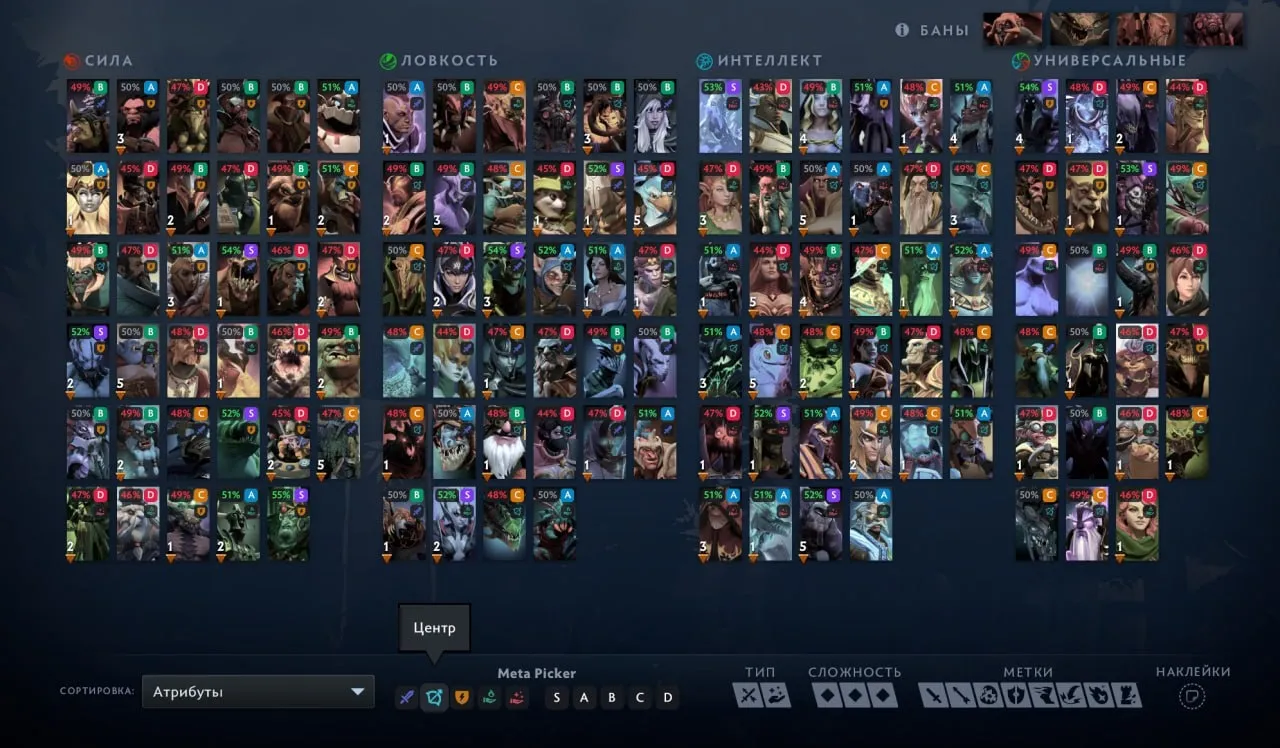
Meta Picker
Displays current meta information and the best heroes to pick -
Display hero rank
Shows the hero's rank -
Display winrate
Displays the hero’s win rate -
Highlight best heroes
Highlights the strongest heroes -
Ignore rank for pick
Ignores rank when choosing a hero -
Display heroes with rank
Filters heroes by rank (s, a, b, c, d) -
Items Panel
Displays a panel with enemy items -
Roshan Alt+LMB
Quick roshan timer ping using alt + lmb -
Information around hero
Shows additional info around enemy heroes -
HP and MP panel
Displays allies’ hp and mp -
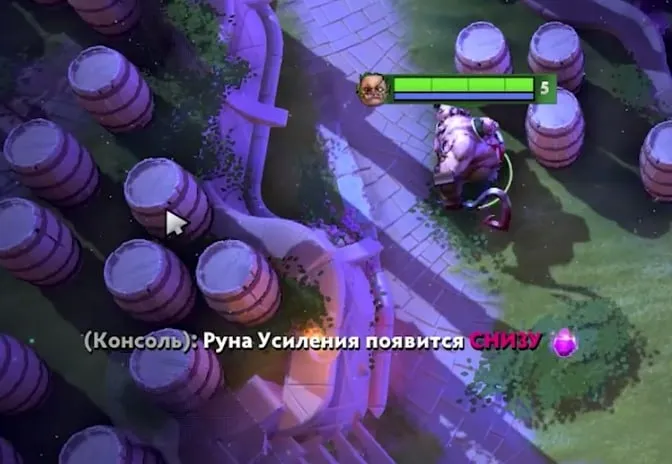
Information about runes
Shows information about rune spawns
Hero Features
-
Combo Key
Activates automatic ability and item combos for the selected hero -
Items
Selects items to be used in the combo -
Spells
Selects abilities to be used in the combo -
Priority of Break Linken
Sets priority for abilities/items used to break linken’s sphere -
Disable All Items
Disables the use of all items in combo -
Disable All Spells
Disables the use of all abilities in combo -
Hit from Invisibility
Allows starting a combo immediately after leaving invisibility -
Ignore Attack Commands
Removes auto‑attacks from combo logic -
Don’t Follow Cursor
Performs combo without orienting to the cursor position -
Hit & Run
Automatically retreats after performing a combo
Creeps
-
Last Hit Indicator
Highlights creeps that can be last‑hit -
Health Prediction
Predicts creep hp considering incoming damage -
Attack Timing Helper
Helps choose the correct timing for a last‑hit -
Auto Deny
Automatically denies allied creeps when possible -
Creep Blocker
Automatically blocks creeps at the start of the game -
Lane Equilibrium Helper
Helps maintain lane equilibrium -
Neutral Camp ESP
Displays neutral camps -
Camp Stack Timer
Shows timing for stacking camps -
Auto Stack
Automatically stacks neutral camps -
Auto Pull
Automatically performs lane pulls -
Jungle Route Helper
Suggests optimal jungle farming routes -
Creep Wave Timer
Displays creep wave spawn timings
ESP (Visuals)
-
Visible by Enemy
Shows an effect around you (particle) when enemy heroes see you -
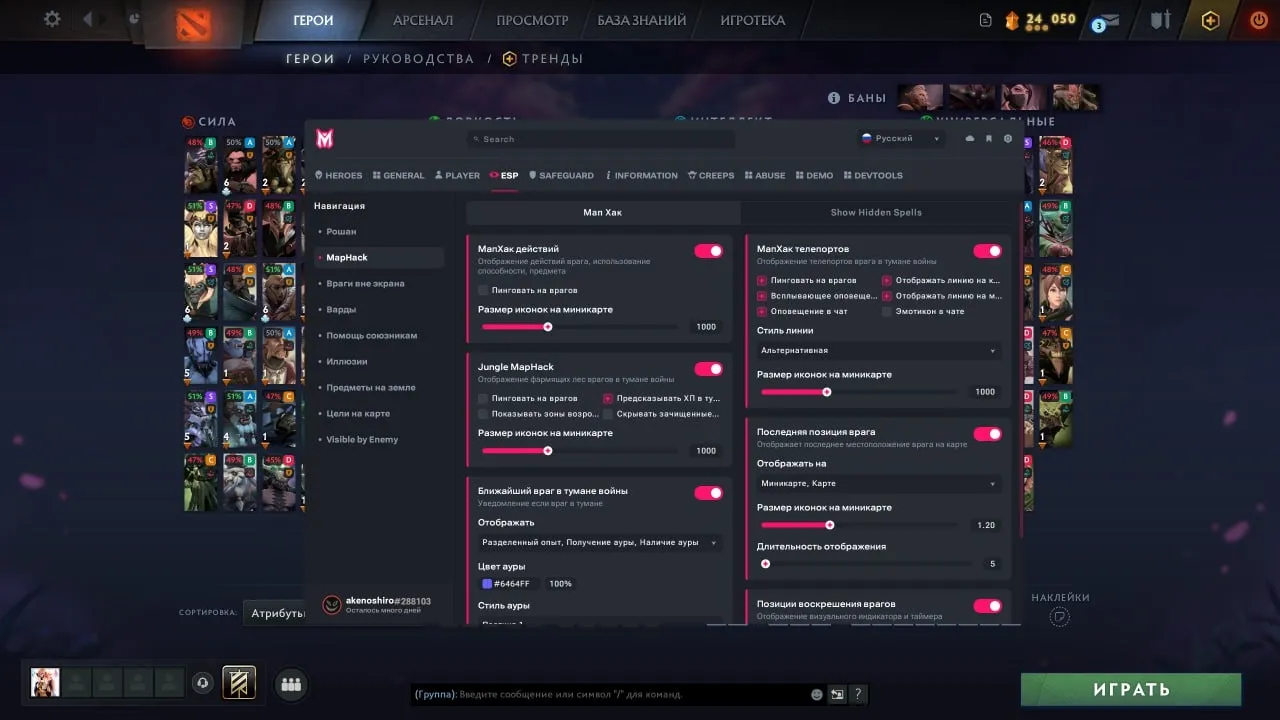
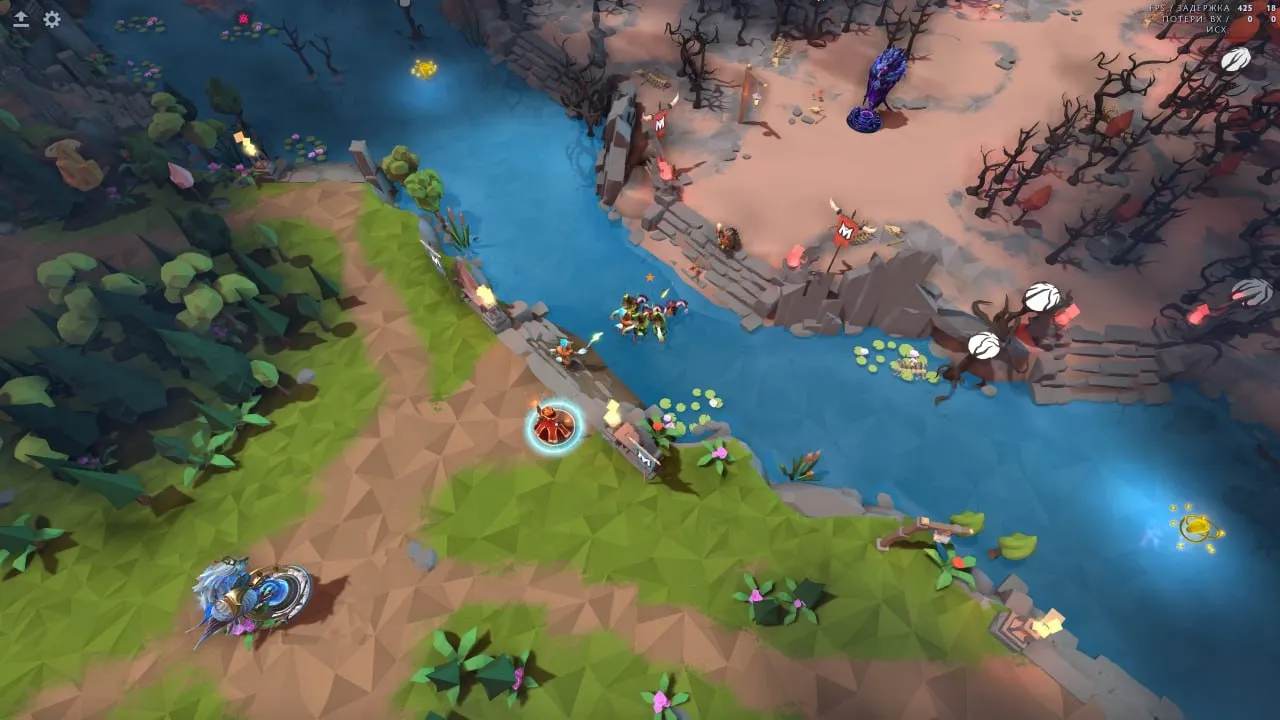
MapHack
Shows enemy information in fog of war based on spells used, teleports, neutral attacks, roshan attacks, etc. -
Show Hidden Spells
Displays hidden abilities -
Ward Tracker
Shows enemy‑placed wards -
Show Cleared Camps
Hides camp icon on minimap if cleared by enemies in fog -
Illusion ESP
Highlights the real hero among illusions -
Show Dropped Items
Displays items dropped on the ground in fog of war -
Jungle Helper
Shows paths that can be taken through the jungle -
Show Courier
Calculates and displays enemy courier trajectory on minimap -
Respawn MapHack
Shows estimated position and respawn timer of enemy heroes at their fountain -
Ability Alerts (Minimap)
Displays various abilities on the minimap
Safeguard
-
Auto Save Ally
Automatically uses abilities and items to save allies in danger -
Auto Use Defensive Items
Uses defensive items upon receiving critical damage -
Auto Blink Escape
Automatically uses blink dagger to escape danger -
Auto Dodge Spells
Helps dodge targeted and dangerous enemy abilities -
Dodge by Movement
Avoids damage through automatic movement -
Disable Counter
Automatically responds with disable to enemy initiation -
Anti‑Initiation
Prevents enemy initiation when conditions are met -
Auto BKB Usage
Activates black king bar when threatened by control or damage
Abuse
-
Fake /roll
Automatically spams roll until a winning value is reached -
Open all heroes to newcomers
Unlocks all heroes for new accounts -
Take all tutorial awards
Collects all tutorial rewards -
Send Roll
Manually sends roll in chat
Safety and Reliability of Melonity Dota 2 Scripts
Private cheat Melonity Dota 2 Scripts is developed with modern anti-cheat systems in mind and is regularly updated to maintain "Undetected" status. All purchase data is stored encrypted and is available only to you and our support service.
2-Minute Purchase Process:
- Choose payment method (FunPay or direct)
- Pay for selected tariff
- Receive access email within 2 minutes
- Follow instructions for activation
Reviews from our FunPay customers for 2026
There are no reviews for this product yet.